FlowGeniQ Digest brings together practical, clinic-ready guidance on modern care operations—especially where technology can reduce friction for staff and improve the patient experience. If you’re searching for software for clinic management, you’re likely trying to solve a common challenge: your clinic runs on many moving parts, and manual processes make it hard to scale.
In this article, we’ll break down what clinic management software should do, how to evaluate vendors, and which features matter most by clinic type—so you can choose a system that supports better scheduling, cleaner records, smoother billing, and more consistent patient follow-up.
What “software for clinic management” really means
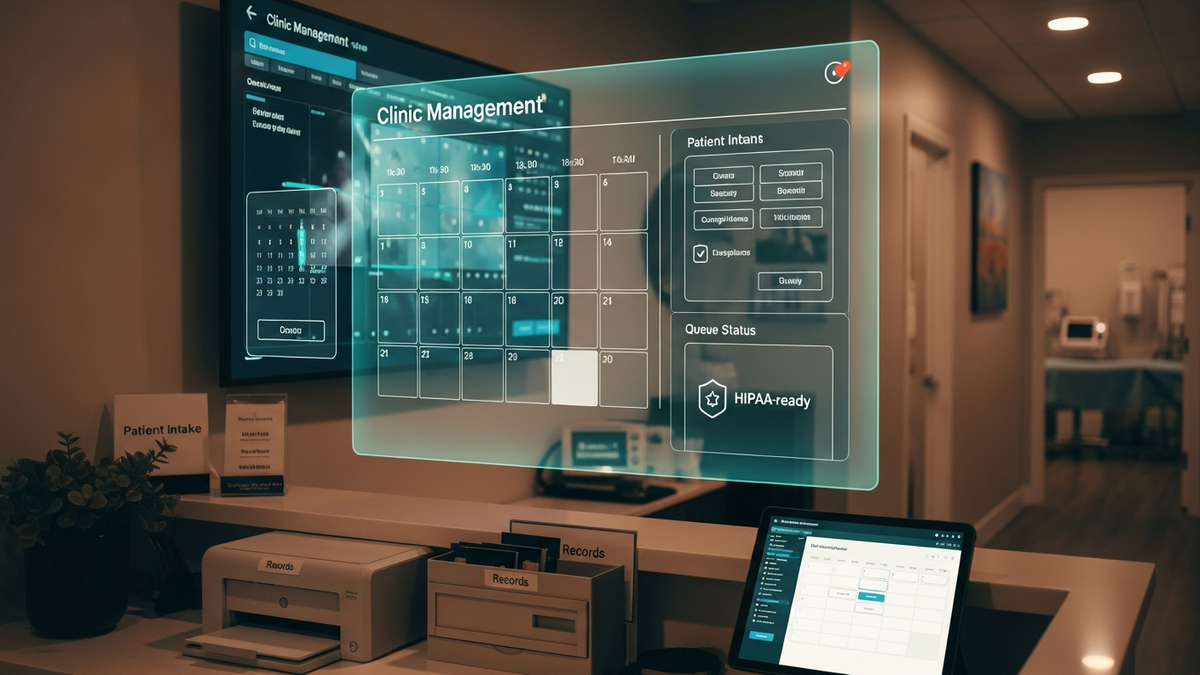
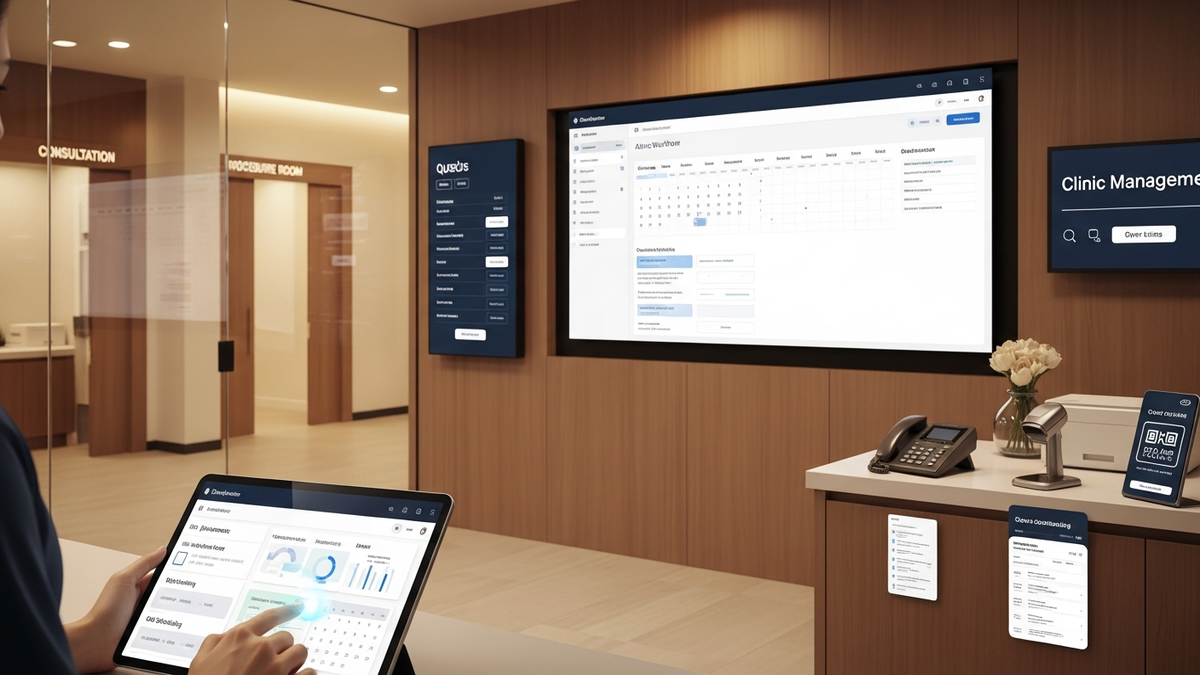
At its core, software for clinic management is a platform that helps you run day-to-day operations across clinical and administrative workflows. Depending on the product, this may include:
- Scheduling (online booking, reminders, calendars, resource management)
- Patient records (EHR/EMR, documentation, visit notes, attachments)
- Billing and claims (invoicing, coding support, payment tracking)
- Communication (SMS/email reminders, portals, messaging)
- Reporting and analytics (utilization, revenue, outcomes, dashboards)
- Compliance and security (HIPAA-ready practices, audit logs, access controls)
Think of it as the operational “nervous system” of your clinic—connecting front desk, clinicians, billing staff, and patients into one coordinated workflow.
Why clinic management software is no longer optional
Even small clinics feel pressure to modernize. Patients expect online scheduling, clear communication, and fast, accurate responses. Clinicians need less time on admin work and more time for care. Meanwhile, compliance requirements and data privacy expectations keep rising.
The operational costs of not upgrading
If you’re still relying on spreadsheets, paper forms, or disconnected tools, you may be paying in hidden ways:
- Double entry of patient data across systems
- Scheduling errors that lead to missed visits and staff overtime
- Delays in billing due to incomplete documentation
- Fragmented patient communication (patients repeat their history)
- Higher risk of compliance gaps and audit challenges
Key features to look for in clinic management software
Not every platform needs every feature, but the best systems cover the fundamentals end-to-end. Here’s a practical feature checklist for evaluating software for clinic management.
1) Scheduling that reduces no-shows
Look for scheduling capabilities that go beyond a basic calendar:
- Online booking with service menus and clinician availability
- Automated reminders via SMS/email
- Waitlists and rescheduling workflows
- Check-in options (digital forms, intake questionnaires)
- Staff and room/resource management for multi-provider clinics
Actionable recommendation: Ask vendors to show a “day view” workflow—how the system handles cancellations, reschedules, and same-day changes.
2) Patient records and documentation (EHR/EMR)
Clinical documentation should be structured enough to support consistency and reporting, but flexible enough for your specialties. Key considerations:
- Templates for visit types and clinical notes
- Medication lists, allergies, and problem lists
- Attachments (photos, lab results, consent forms)
- Interoperability (export/import options, integrations)
- Audit trails and access logging
If your clinic offers specialized care, you may also need support for structured protocols and follow-up plans.
3) Billing, invoicing, and payment workflows
Billing requirements vary widely by clinic type (insurance-based, cash-pay, hybrid). Still, strong clinic management software should provide:
- Claims-ready processes (where applicable)
- Invoice generation and payment status tracking
- Charge capture linked to documented services
- Refunds and adjustments with audit support
- Reporting for revenue and outstanding balances
Actionable recommendation: Map your current billing steps (from documentation to submission) and confirm the software can mirror the workflow with fewer manual handoffs.
4) Patient communication and engagement
Modern clinics rely on timely communication. Look for tools that support:
- Appointment reminders and pre-visit instructions
- Post-visit follow-ups (care plans, next steps)
- Patient portal access to summaries, forms, and documents
- Secure messaging (where supported)
- Automated workflows for recurring care programs
These features can reduce avoidable calls, improve adherence, and help patients feel informed.
5) Automation and AI-assisted workflows
AI can support operations—especially front-desk and scheduling. For example, some clinics use AI-driven intake, triage, and communication to reduce time spent on repetitive tasks. If you’re exploring automation, consider using solutions like ai receptionists to help capture basic information and route requests appropriately.
Similarly, larger organizations may use AI-enabled roles to support internal coordination; you may also encounter offerings such as ai interns for businesses for workflow assistance. When evaluating AI tools, prioritize:
- Accuracy and escalation to humans for clinical or sensitive issues
- Auditability and clear responsibility boundaries
- Data handling aligned with privacy and compliance expectations
6) Security, compliance, and access controls
Clinic management software should support privacy and compliance needs. Look for:
- HIPAA-aligned security practices (or local equivalents)
- Role-based access (least privilege)
- Audit logs for record access and changes
- Encryption in transit and at rest
- Data backup and recovery policies
Actionable recommendation: Request a security overview from vendors and confirm what happens in the event of a breach or system outage.
How to choose the right clinic software for your specific practice
The “best” platform depends on your patient flow, services, staffing model, and payment structure. Here’s a practical way to match software capabilities to clinic needs.
Step 1: Identify your bottleneck
Start with one problem you want to fix first:
- Front desk is overwhelmed → prioritize scheduling + intake + automated reminders
- Clinicians spend too much time documenting → prioritize templates + fast documentation
- Billing takes too long → prioritize charge capture + streamlined invoicing
- Patients don’t follow care plans → prioritize portal + automated follow-ups
Step 2: Confirm specialty workflows
Some clinics need specialized care tracking (e.g., multi-visit programs, protocol-based plans, device-based therapies, or structured follow-ups). If your clinic runs programs with consistent steps, choose software that can support:
- Care plan scheduling (visit series)
- Protocol documentation and progress tracking
- Device or treatment logs (where applicable)
- Re-ordering or supply workflows (if you manage inventory)
Step 3: Evaluate integrations and data portability
Even a strong platform may need integrations to fit your ecosystem. Ask about:
- Accounting tools and payment processing
- Lab integrations and document import/export
- Telehealth capabilities
- Marketing tools and email/SMS automation
Also ask about data portability: How easily can you export your records if you switch systems later?
Implementation: what to expect (and how to avoid common pitfalls)
Buying software is only half the journey. Implementation determines whether the system truly improves clinic operations.
Plan for training, not just onboarding
Many clinics underestimate change management. A successful rollout includes:
- Role-based training (front desk vs. clinicians vs. billing)
- Practice sessions using real appointment scenarios
- Clear SOPs for “what happens when”
- Support during the first weeks after launch
Start with a phased rollout
Instead of switching everything at once, consider:
- Phase 1: scheduling + patient intake
- Phase 2: clinical documentation
- Phase 3: billing workflows and reporting
This reduces risk and helps staff build confidence before moving deeper into workflows.
Validate data migration
If you’re migrating existing patient records, confirm:
- What data fields are transferred
- How errors are handled and corrected
- Whether historical documents remain accessible
- How long the migration window lasts
ROI: how to measure whether clinic management software is working
To justify investment, measure outcomes that matter to your clinic. Common metrics include:
- No-show rate before vs. after automated reminders
- Time spent per appointment on documentation/admin tasks
- Billing cycle time (documentation to submission to payment)
- Patient satisfaction (survey scores, complaint volume)
- Revenue capture (missed charges, delayed invoices)
Actionable recommendation: Set baseline numbers for 30–60 days before launch and compare after rollout. Even small improvements compound over months.
Common questions clinics ask before selecting software
Here are answers to some of the most frequent concerns when evaluating software for clinic management.
Can clinic management software work for both small and multi-location clinics?
Yes—if the platform supports role-based access, standardized workflows, and scalable reporting. Multi-location clinics should prioritize centralized administration, consistent templates, and location-specific configurations.
Is the software suitable for cash-pay clinics?
Often, yes. Cash-pay clinics typically need strong invoicing, payment tracking, and patient communication tools. Insurance-heavy workflows may not be required, but charge capture, documentation, and reporting are still essential.
Do I need a portal for patients?
A portal can improve engagement by letting patients access visit summaries, forms, and instructions. If your clinic relies on repeat visits or structured programs, a portal can significantly reduce administrative follow-up.
Related operational idea: pairing clinic software with smart care programs
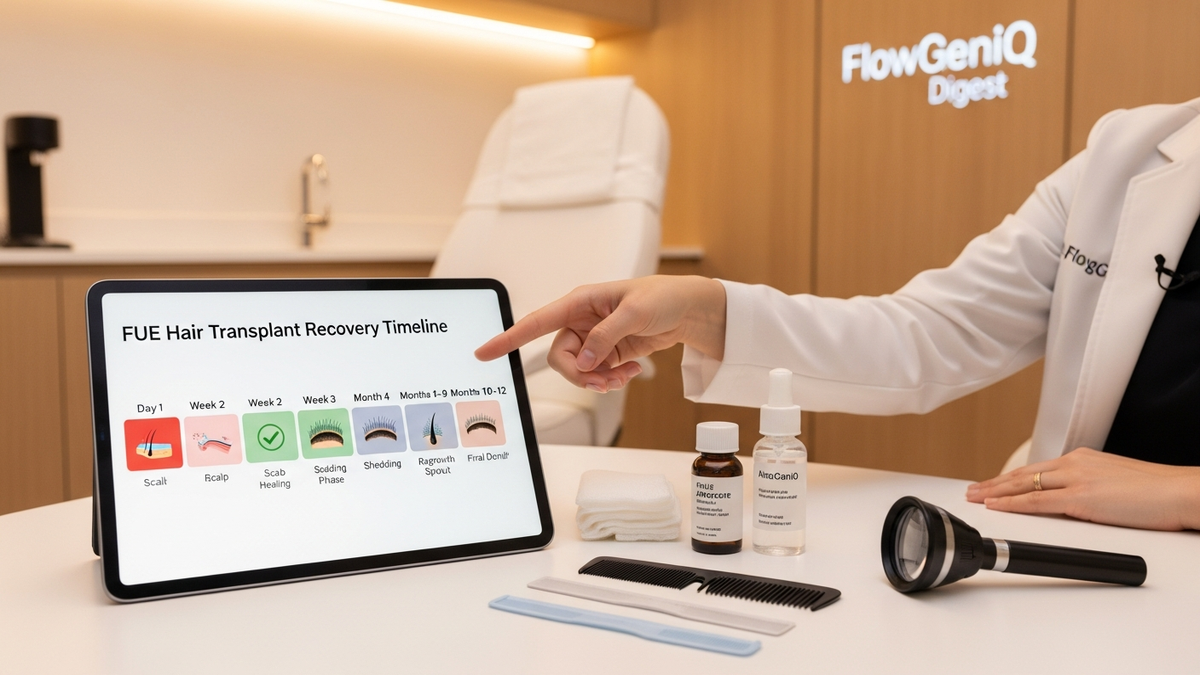
Many clinics now run structured, multi-step care journeys—whether for weight management, dermatology, hair restoration, or longevity programs. While the specifics vary by specialty, the operational pattern is similar: patients need consistent scheduling, follow-up, documentation, and communication.
FlowGeniQ Digest highlights how modern wellness programs often combine clinical oversight, structured protocols, and ongoing follow-up—making integrated clinic management software particularly valuable for tracking progress and ensuring continuity.
Quick selection checklist (printable)
Use this short list during demos and vendor calls:
- Scheduling: online booking, reminders, rescheduling, waitlists
- Documentation: templates, attachments, structured notes
- Billing: invoicing/claims support, charge capture, reporting
- Communication: portal, secure messaging, automated follow-ups
- Security: role-based access, audit logs, encryption, backups
- Integrations: labs, telehealth, payments, accounting
- Implementation: training plan, migration support, rollout timeline
- Data portability: export options and record access guarantees
FAQ: software for clinic management
1) What is the best software for clinic management?
The “best” option is the one that matches your clinic’s workflows—scheduling needs, documentation style, billing approach, and compliance requirements. Compare platforms using your own process map and prioritize features that fix your biggest bottleneck.
2) Does clinic management software replace my existing EHR?
Sometimes yes, sometimes no. Many clinics use an integrated system that includes EHR/EMR features. Others keep a dedicated EHR and add clinic management tools for scheduling, reminders, and engagement. Confirm integration and data flow before committing.
3) Will staff be able to learn the system quickly?
Training quality matters more than the number of features. Ask vendors about role-based training, practice support, and the availability of onboarding assistance during the first weeks after go-live.
4) How do I ensure the software is HIPAA compliant?
Ask vendors for their security documentation, how they handle access controls, audit logs, encryption, and breach response procedures. Also confirm your clinic’s configuration responsibilities (e.g., user permissions and secure device practices).
5) How long does implementation usually take?
Implementation timelines vary by data migration complexity and the scope of rollout. A phased approach (scheduling/intake first, documentation next, billing last) often reduces disruption and accelerates measurable benefits.
CTA: choose software for clinic management that improves care—not just paperwork
If you’re preparing to evaluate software for clinic management, start by mapping your current workflows and selecting the top 3 outcomes you want to improve: fewer no-shows, faster documentation, cleaner billing, or more consistent follow-up.
FlowGeniQ Digest can help you compare options using a practical lens—features, implementation realities, and ROI metrics—so you can make a confident decision.
Next step: Create a short requirements list (based on the checklist above) and bring it to vendor demos. Ask for a walkthrough using your real appointment types and billing scenarios.
Professional Disclaimer
This content is provided for general educational purposes only by FlowGeniQ Digest. It is not a substitute for professional advice, diagnosis, or treatment. Readers are advised to consult qualified professionals for personalized recommendations.
Medical Information Disclaimer
This content is provided for general educational purposes only by FlowGeniQ Digest. It is not a substitute for professional advice, diagnosis, or treatment. Readers are advised to consult qualified professionals for personalized recommendations.